2024-11-06
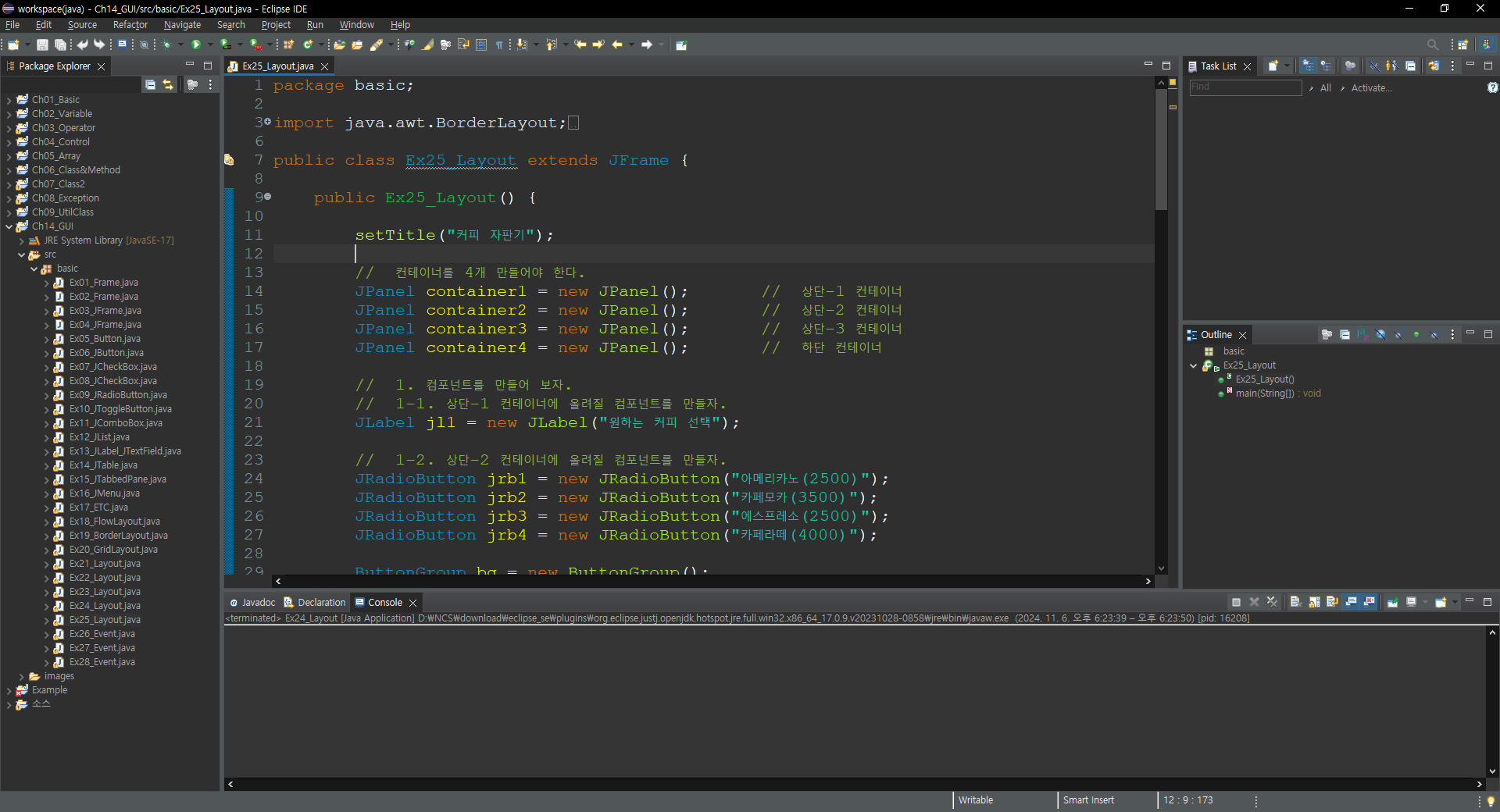
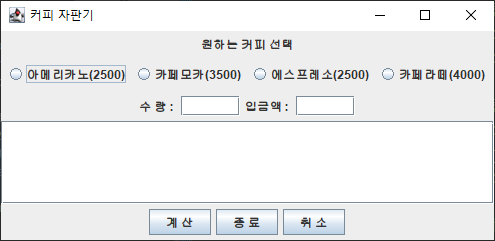
package basic;

import java.awt.BorderLayout;

import javax.swing.*;

public class Ex25_Layout extends JFrame {

	public Ex25_Layout() {

		setTitle("커피 자판기");

		//  컨테이너를 4개 만들어야 한다.
		JPanel container1 = new JPanel();		//  상단-1 컨테이너
		JPanel container2 = new JPanel();		//  상단-2 컨테이너
		JPanel container3 = new JPanel();		//  상단-3 컨테이너
		JPanel container4 = new JPanel();		//  하단 컨테이너

		//  1. 컴포넌트를 만들어 보자.
		//  1-1. 상단-1 컨테이너에 올려질 컴포넌트를 만들자.
		JLabel jl1 = new JLabel("원하는 커피 선택");

		//  1-2. 상단-2 컨테이너에 올려질 컴포넌트를 만들자.
		JRadioButton jrb1 = new JRadioButton("아메리카노(2500)");
		JRadioButton jrb2 = new JRadioButton("카페모카(3500)");
		JRadioButton jrb3 = new JRadioButton("에스프레소(2500)");
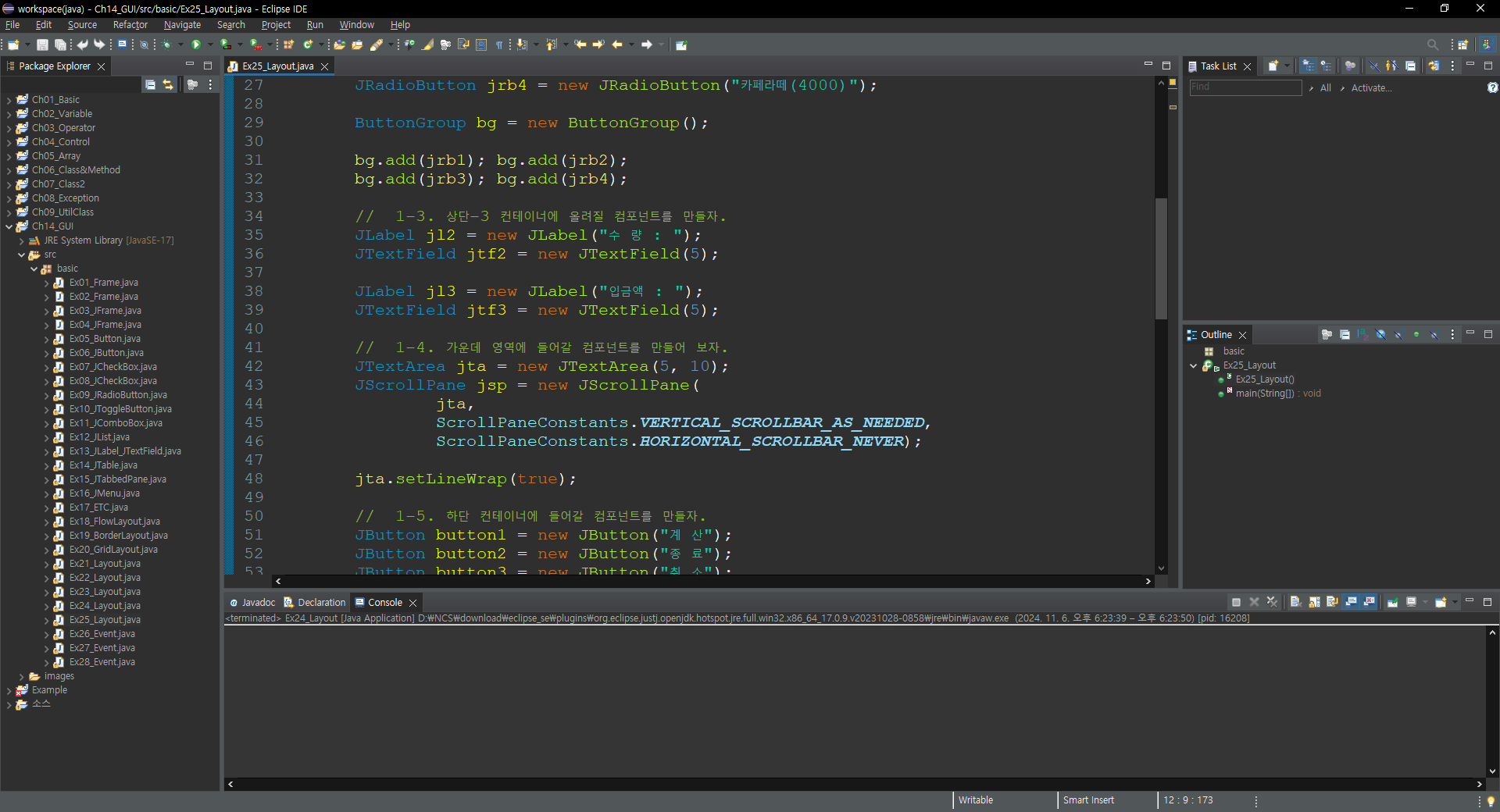
		JRadioButton jrb4 = new JRadioButton("카페라떼(4000)");

		ButtonGroup bg = new ButtonGroup();

		bg.add(jrb1); bg.add(jrb2);
		bg.add(jrb3); bg.add(jrb4);

		//  1-3. 상단-3 컨테이너에 올려질 컴포넌트를 만들자.
		JLabel jl2 = new JLabel("수 량 : ");
		JTextField jtf2 = new JTextField(5);

		JLabel jl3 = new JLabel("입금액 : ");
		JTextField jtf3 = new JTextField(5);

		//  1-4. 가운데 영역에 들어갈 컴포넌트를 만들어 보자.
		JTextArea jta = new JTextArea(5, 10);
		JScrollPane jsp = new JScrollPane(
				jta,
				ScrollPaneConstants.VERTICAL_SCROLLBAR_AS_NEEDED,
				ScrollPaneConstants.HORIZONTAL_SCROLLBAR_NEVER);

		jta.setLineWrap(true);

		//  1-5. 하단 컨테이너에 들어갈 컴포넌트를 만들자.
		JButton button1 = new JButton("계 산");
		JButton button2 = new JButton("종 료");
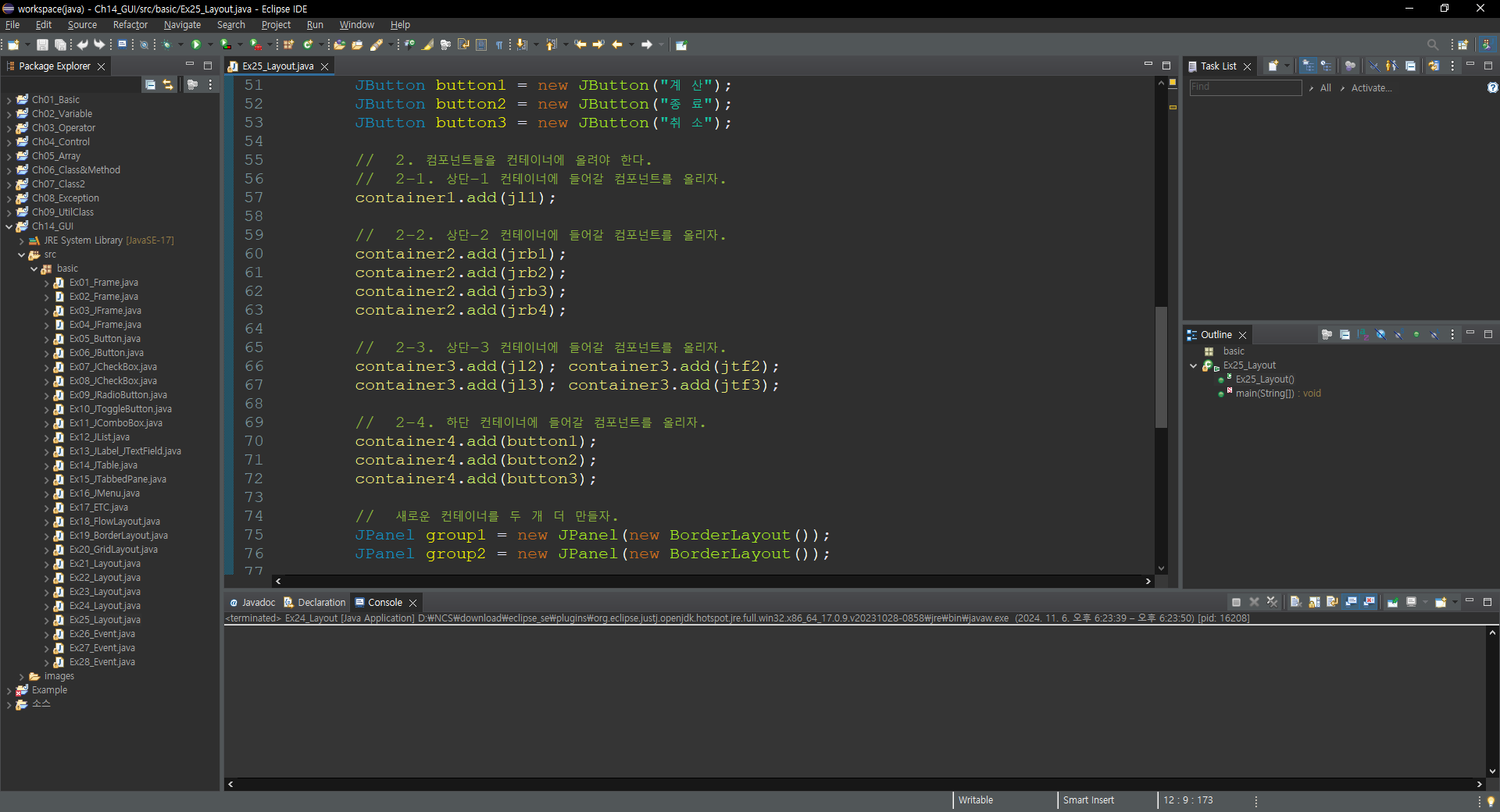
		JButton button3 = new JButton("취 소");

		//  2. 컴포넌트들을 컨테이너에 올려야 한다.
		//  2-1. 상단-1 컨테이너에 들어갈 컴포넌트를 올리자.
		container1.add(jl1);

		//  2-2. 상단-2 컨테이너에 들어갈 컴포넌트를 올리자.
		container2.add(jrb1);
		container2.add(jrb2);
		container2.add(jrb3);
		container2.add(jrb4);

		//  2-3. 상단-3 컨테이너에 들어갈 컴포넌트를 올리자.
		container3.add(jl2); container3.add(jtf2);
		container3.add(jl3); container3.add(jtf3);

		//  2-4. 하단 컨테이너에 들어갈 컴포넌트를 올리자.
		container4.add(button1);
		container4.add(button2);
		container4.add(button3);

		//  새로운 컨테이너를 두 개 더 만들자.
		JPanel group1 =	new JPanel(new BorderLayout());
		JPanel group2 = new JPanel(new BorderLayout());

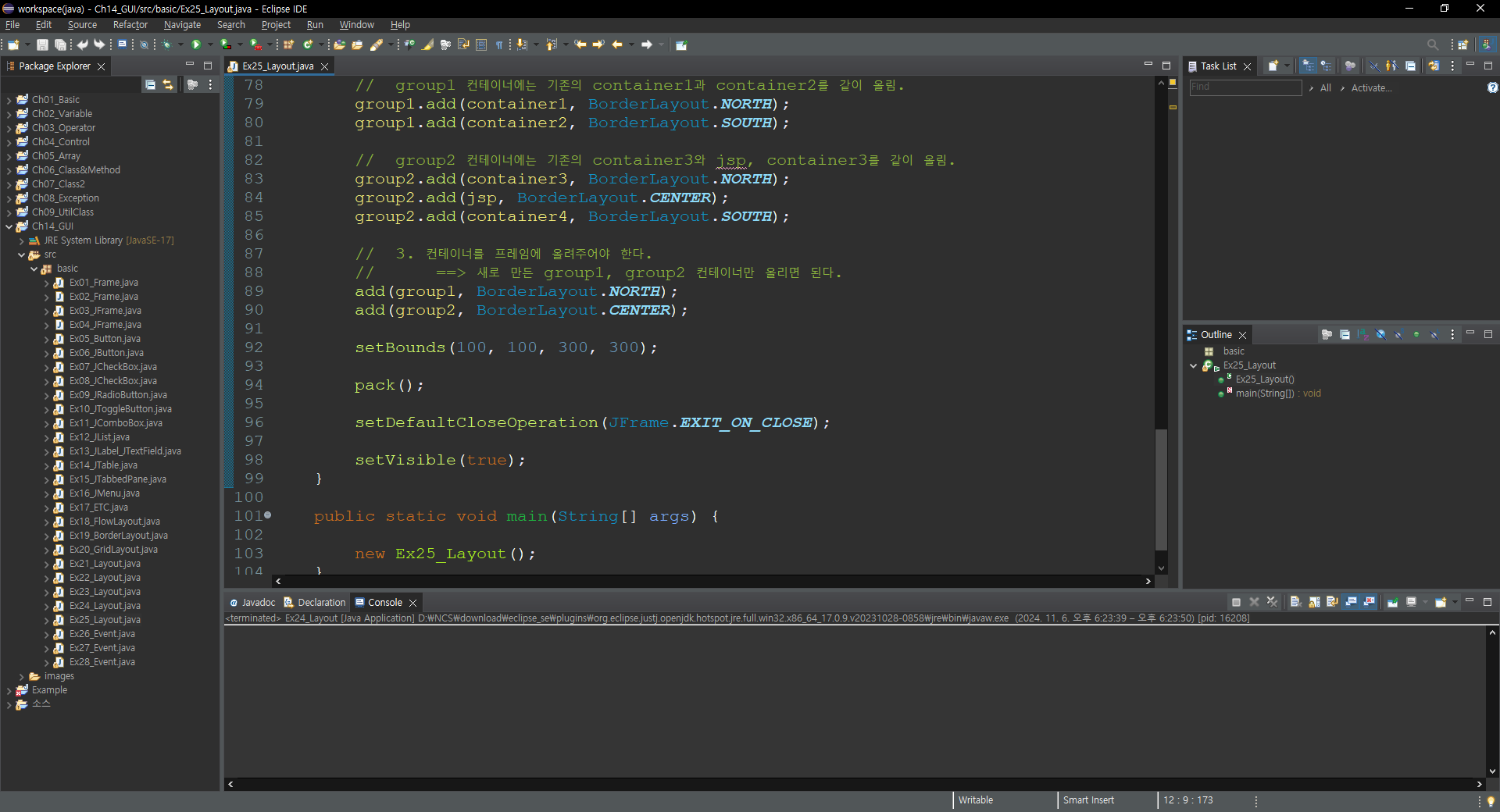
		//  group1 컨테이너에는 기존의 container1과 container2를 같이 올림.
		group1.add(container1, BorderLayout.NORTH);
		group1.add(container2, BorderLayout.SOUTH);

		//  group2 컨테이너에는 기존의 container3와 jsp, container3를 같이 올림.
		group2.add(container3, BorderLayout.NORTH);
		group2.add(jsp, BorderLayout.CENTER);
		group2.add(container4, BorderLayout.SOUTH);

		//  3. 컨테이너를 프레임에 올려주어야 한다.
		//  	==> 새로 만든 group1, group2 컨테이너만 올리면 된다.
		add(group1, BorderLayout.NORTH);
		add(group2, BorderLayout.CENTER);

		setBounds(100, 100, 300, 300);

		pack();

		setDefaultCloseOperation(JFrame.EXIT_ON_CLOSE);

		setVisible(true);
	}

	public static void main(String[] args) {

		new Ex25_Layout();
	}
}'Java > 기초 내용 정리' 카테고리의 다른 글
| Java(GUI)_Layout_27 (0) | 2024.11.06 |
|---|---|
| Java(GUI)_Layout_26 (0) | 2024.11.06 |
| Java(GUI)_Layout_24 (1) | 2024.11.06 |
| Java(UtilClass)_Wrapper_01 (0) | 2024.11.06 |
| Java(UtilClass)_Singleton_01 (0) | 2024.11.06 |