2024-11-04
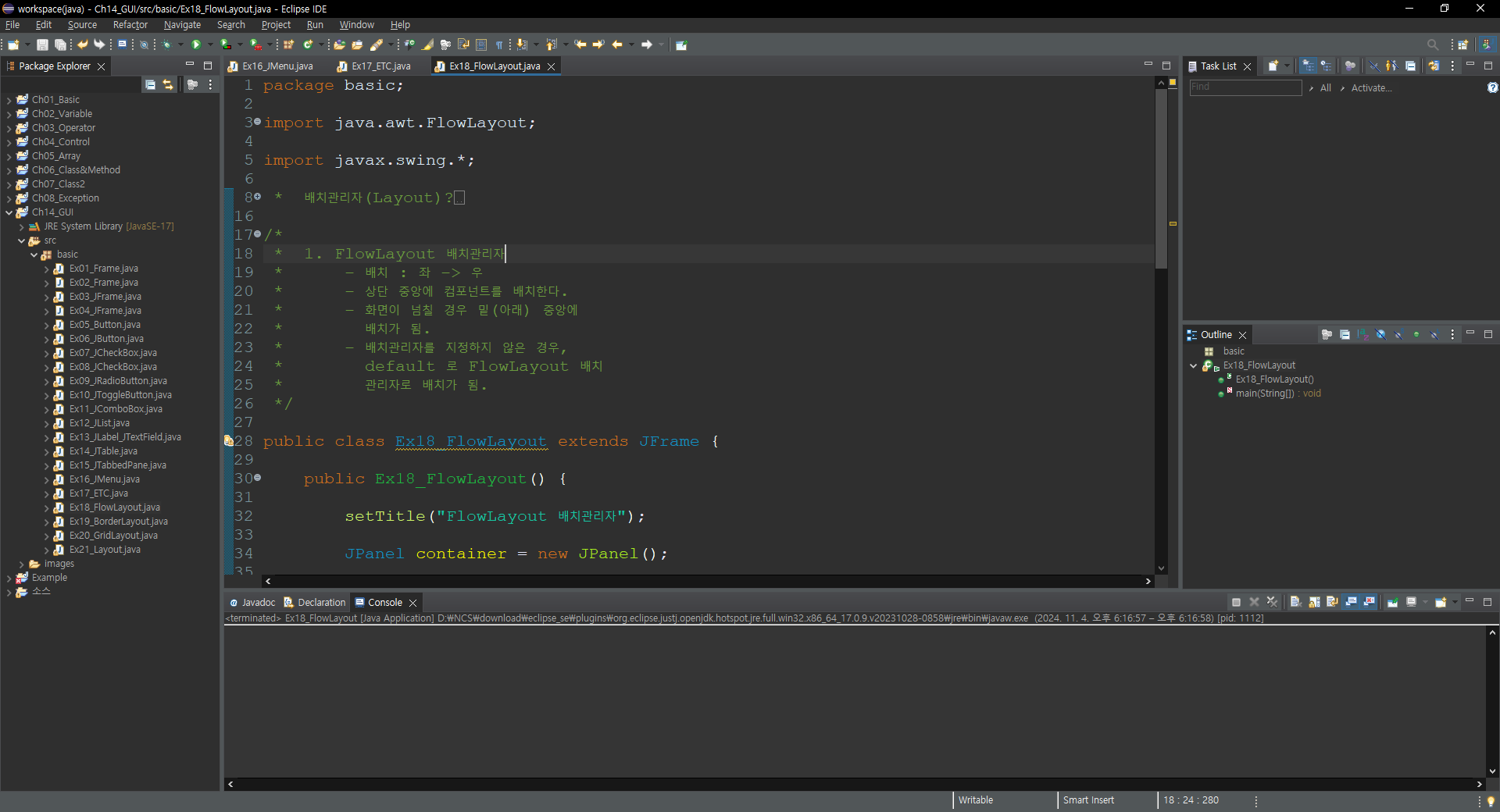

package basic;

import java.awt.FlowLayout;

import javax.swing.*;

/*
 *  배치관리자(Layout)?
 *  - 화면(Frame)에 컴포넌트들을 배치하는 방법을 알려주는 관리자.
 *  - 대표적인 배치관리자의 종류
 *  	1) FlowLayout
 *  	2) BorderLayout
 *  	3) GridLayout
 *  	4) CardLayout
 */

/*
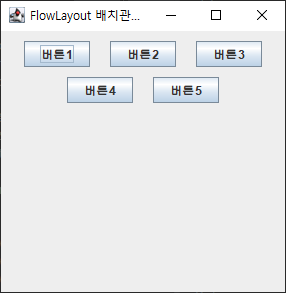
 *  1. FlowLayout 배치관리자
 *  	- 배치 : 좌 -> 우
 *  	- 상단 중앙에 컴포넌트를 배치한다.
 *  	- 화면이 넘칠 경우 밑(아래) 중앙에
 *  	  배치가 됨.
 *  	- 배치관리자를 지정하지 않은 경우,
 *  	  default 로 FlowLayout 배치
 *  	  관리자로 배치가 됨.
 */

public class Ex18_FlowLayout extends JFrame {

	public Ex18_FlowLayout() {

		setTitle("FlowLayout 배치관리자");

		JPanel container = new JPanel();

		//  1. 컴포넌트를 만들어 보자.
		JButton button1 = new JButton("버튼1");
		JButton button2 = new JButton("버튼2");
		JButton button3 = new JButton("버튼3");
		JButton button4 = new JButton("버튼4");
		JButton button5 = new JButton("버튼5");

		/*  2. 컴포넌트를 올릴 컨테이너의 배치 관리자를 적용을 하자.
		 * 		형식)
		 * 			container.setLayout(인자);
		 *
		 * 		인자 형식)
		 * 			new FlowLayout();
		 * 			new FlowLayout(정렬 - 왼쪽, 오른쪽, 중앙(default));
		 * 			new FlowLayout(정렬, 수평간격, 수직간격);
		 * 				수평간격 : 좌우 컴포넌트 사이의 간격 - 기본값 5px
		 */

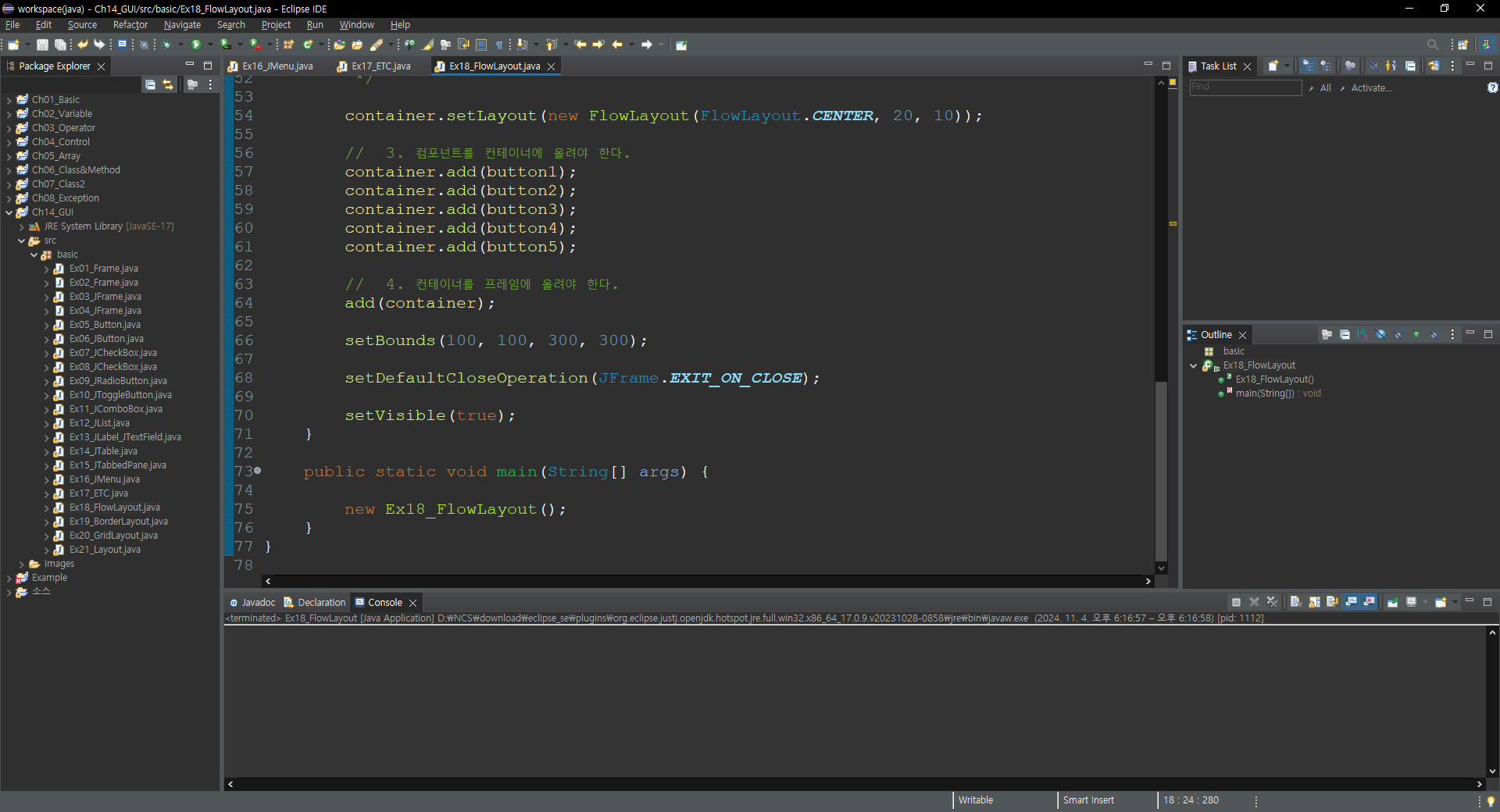
		container.setLayout(new FlowLayout(FlowLayout.CENTER, 20, 10));

		//  3. 컴포넌트를 컨테이너에 올려야 한다.
		container.add(button1);
		container.add(button2);
		container.add(button3);
		container.add(button4);
		container.add(button5);

		//  4. 컨테이너를 프레임에 올려야 한다.
		add(container);

		setBounds(100, 100, 300, 300);

		setDefaultCloseOperation(JFrame.EXIT_ON_CLOSE);

		setVisible(true);
	}

	public static void main(String[] args) {

		new Ex18_FlowLayout();
	}
}'Java > 기초 내용 정리' 카테고리의 다른 글
| Java(GUI)_GridLayout_20 (0) | 2024.11.04 |
|---|---|
| Java(GUI)_BorderLayout_19 (0) | 2024.11.04 |
| Java(GUI)_ETC_17 (0) | 2024.11.04 |
| Java(GUI)_JMenu_16 (0) | 2024.11.04 |
| Java(Exception)_Exam_01 (0) | 2024.11.04 |