2024-10-16

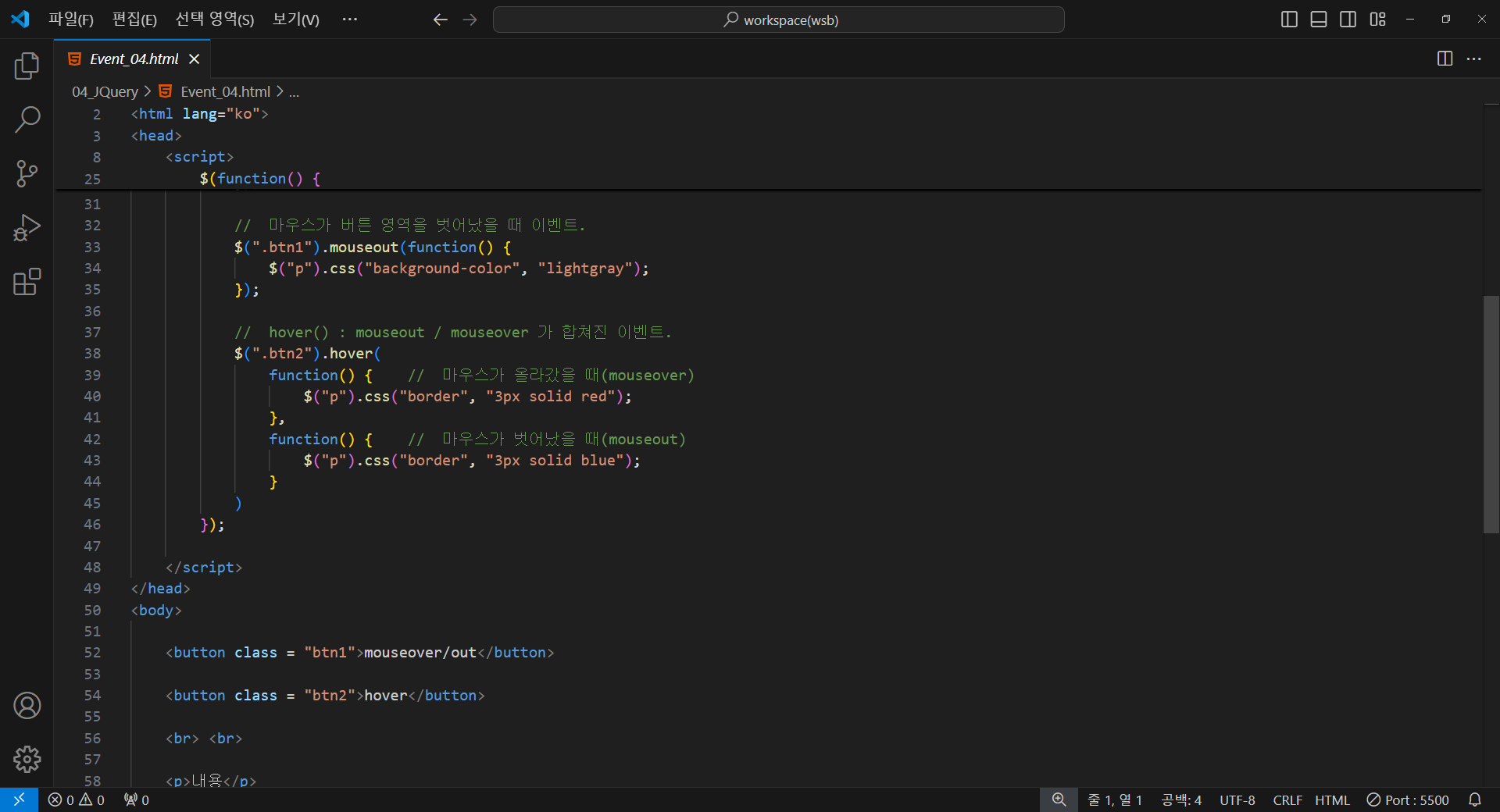
<!DOCTYPE html>
<html lang="ko">
<head>
    <meta charset="UTF-8">
    <meta name="viewport" content="width=device-width, initial-scale=1.0">
    <title>Document</title>
    <script src="https://code.jquery.com/jquery-3.7.1.js"></script>
    <script>

        /*
            마우스 이벤트
            - mouseout() : 마우스가 해당 영역을 벗어났을 때 발생하는 이벤트.
                형식) $("요소 선택").on("mouseout",function() {.....});
                      $("요소 선택").mouseout(function() {.....});
            - mouseover() : 마우스가 해당 영역에 올라갔을 때 발생하는 이벤트.
                형식) $("요소 선택").on("mouseover",function() {.....});
                      $("요소 선택").mouseover(function() {.....});
            - hover() : mouseout / mouseover 가 합쳐진 이벤트.
                형식) $("요소 선택").hover {
                      function() {...},  ==> 마우스가 올라갔을 때 이벤트.
                      function() {...}  ==> 마우스가 벗어났을 때 이벤트.
                      };
        */

        $(function() {

            //  마우스가 버튼 영역위로 올라갔을 때 이벤트.
            $(".btn1").on("mouseover", function() {
                $("p").css("background-color", "pink");
            });

            //  마우스가 버튼 영역을 벗어났을 때 이벤트.
            $(".btn1").mouseout(function() {
                $("p").css("background-color", "lightgray");
            });

            //  hover() : mouseout / mouseover 가 합쳐진 이벤트.
            $(".btn2").hover(
                function() {    //  마우스가 올라갔을 때(mouseover)
                    $("p").css("border", "3px solid red");
                },
                function() {    //  마우스가 벗어났을 때(mouseout)
                    $("p").css("border", "3px solid blue");
                }
            )
        });

    </script>
</head>
<body>

    <button class = "btn1">mouseover/out</button>

    <button class = "btn2">hover</button>

    <br> <br>

    <p>내용</p>

</body>
</html>

'JQuery > 기초 내용 정리' 카테고리의 다른 글
| JQuery(Event)_06 (0) | 2024.10.16 |
|---|---|
| JQuery(Event)_05 (0) | 2024.10.16 |
| JQuery(Event)_03 (0) | 2024.10.16 |
| JQuery(Event)_02 (0) | 2024.10.16 |
| JQuery(Event)_01 (0) | 2024.10.16 |