2024-10-15

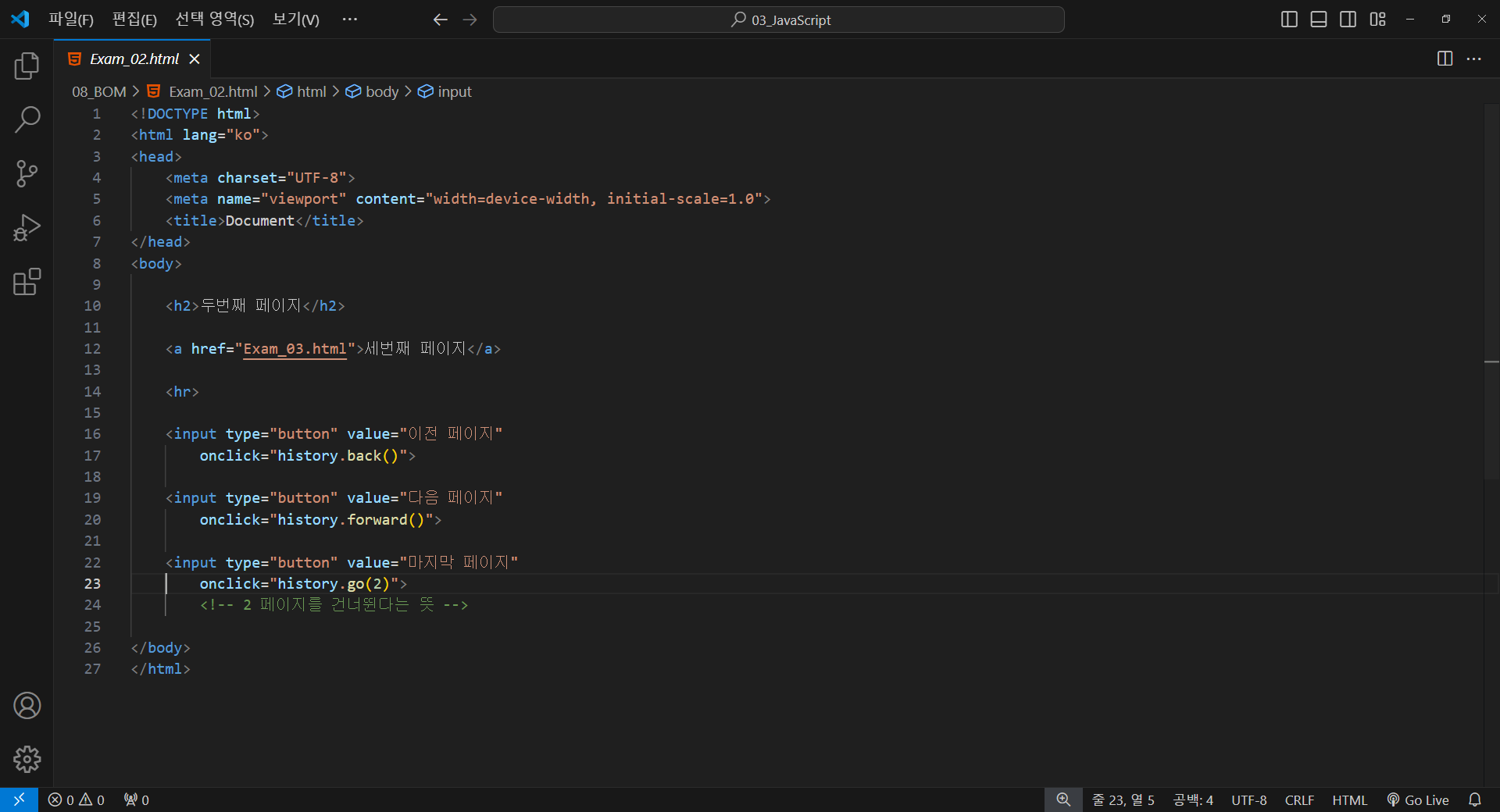
<!DOCTYPE html>
<html lang="ko">
<head>
    <meta charset="UTF-8">
    <meta name="viewport" content="width=device-width, initial-scale=1.0">
    <title>Document</title>
</head>
<body>

    <h2>첫번째 페이지</h2>

    <a href="Exam_02.html">두번째 페이지</a>

</body>
</html>
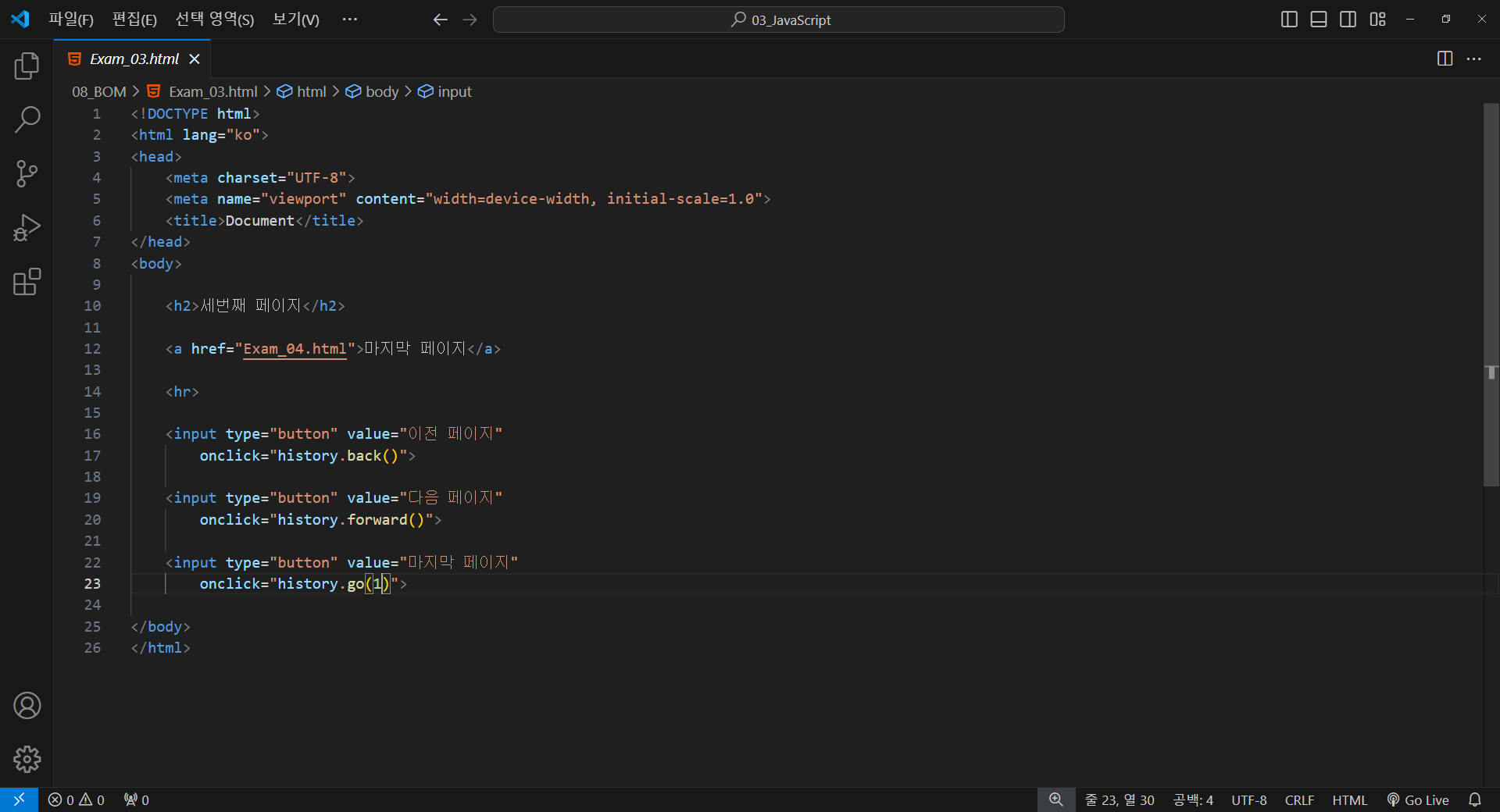
<!DOCTYPE html>
<html lang="ko">
<head>
    <meta charset="UTF-8">
    <meta name="viewport" content="width=device-width, initial-scale=1.0">
    <title>Document</title>
</head>
<body>

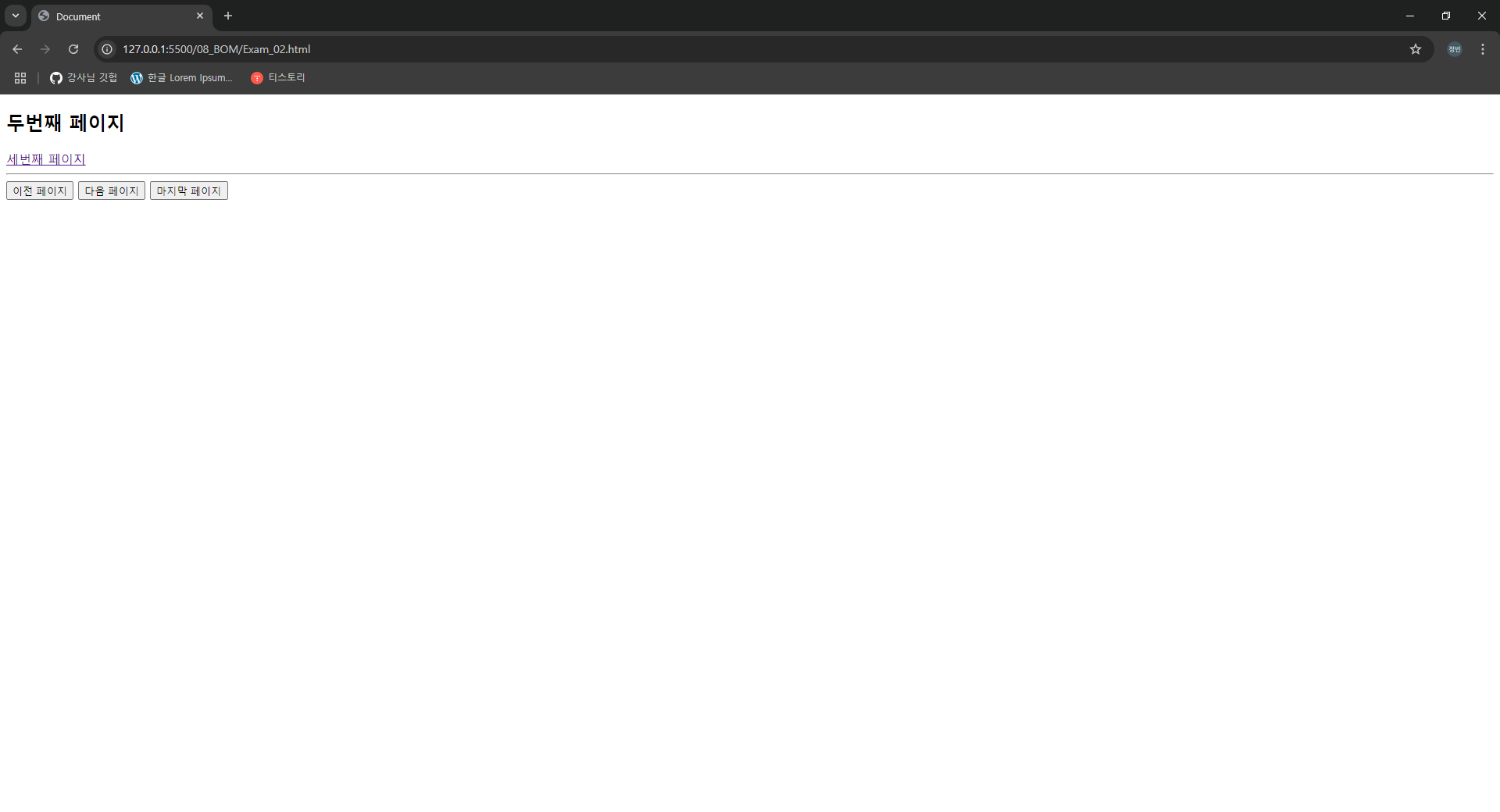
    <h2>두번째 페이지</h2>

    <a href="Exam_03.html">세번째 페이지</a>

    <hr>

    <input type="button" value="이전 페이지"
        onclick="history.back()">

    <input type="button" value="다음 페이지"
        onclick="history.forward()">

    <input type="button" value="마지막 페이지"
        onclick="history.go(2)">
        <!-- 2 페이지를 건너뛴다는 뜻 -->

</body>
</html>
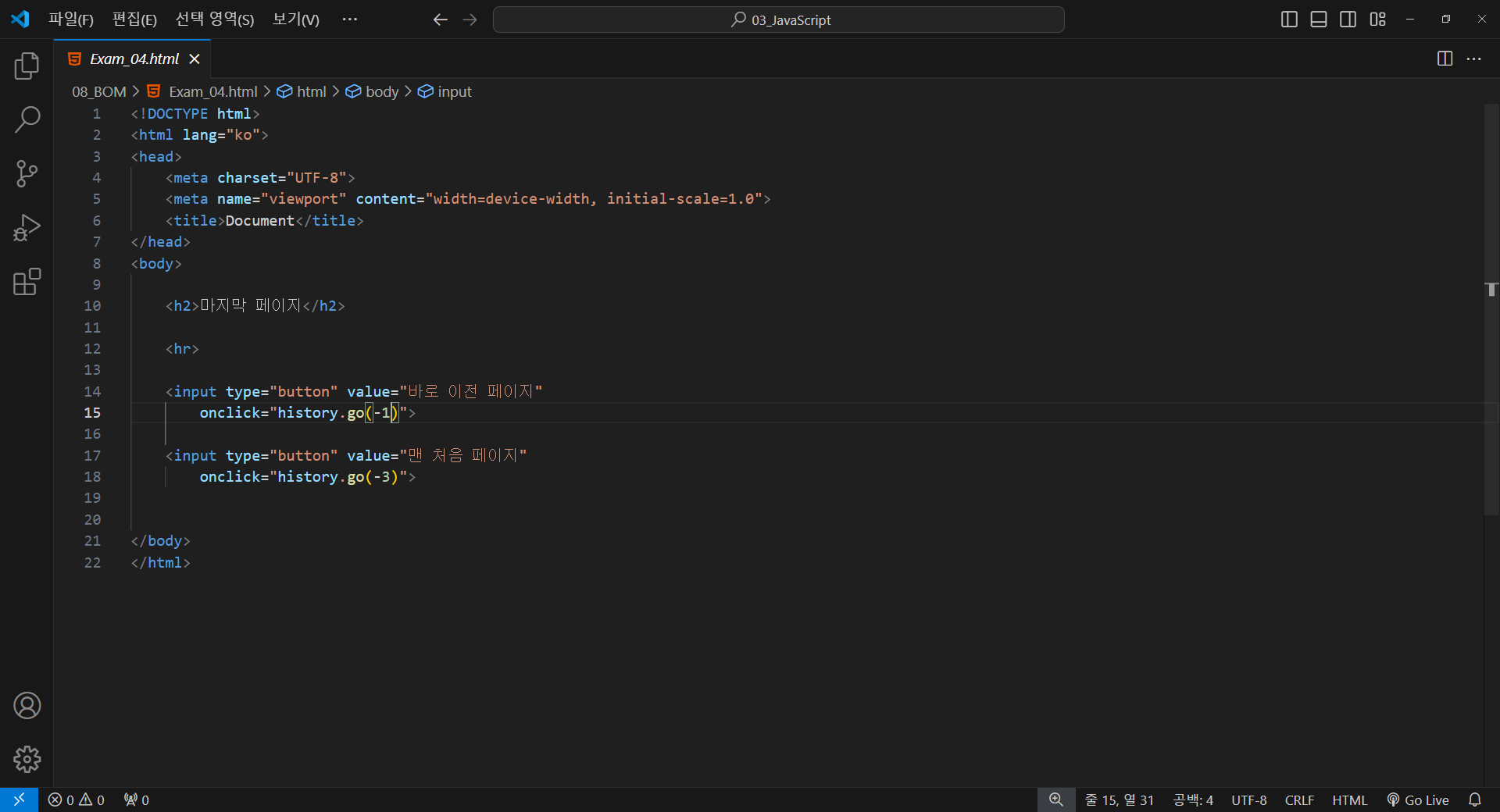
<!DOCTYPE html>
<html lang="ko">
<head>
    <meta charset="UTF-8">
    <meta name="viewport" content="width=device-width, initial-scale=1.0">
    <title>Document</title>
</head>
<body>

    <h2>세번째 페이지</h2>

    <a href="Exam_04.html">마지막 페이지</a>

    <hr>

    <input type="button" value="이전 페이지"
        onclick="history.back()">

    <input type="button" value="다음 페이지"
        onclick="history.forward()">

    <input type="button" value="마지막 페이지"
        onclick="history.go(1)">

</body>
</html>
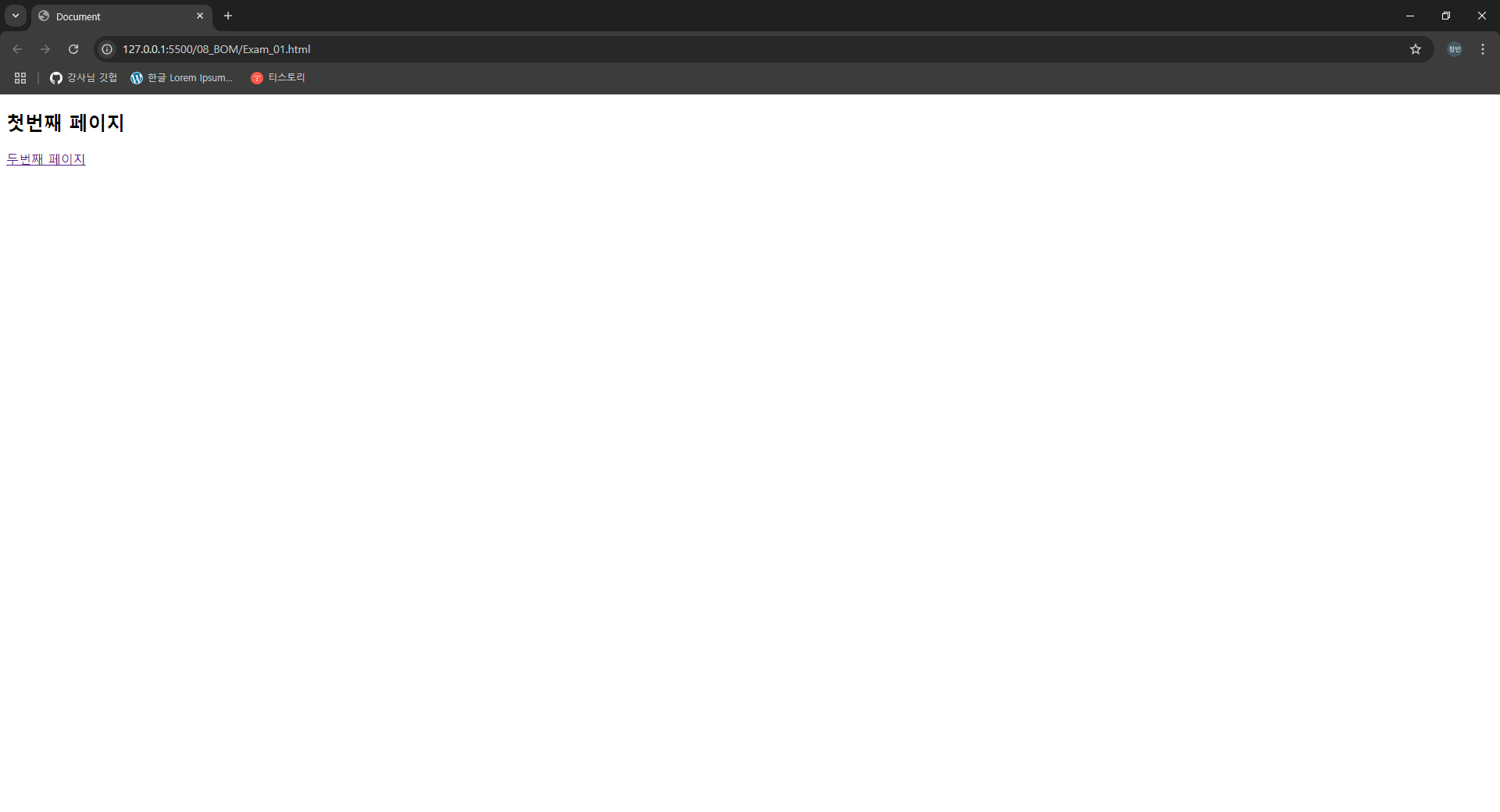
<!DOCTYPE html>
<html lang="ko">
<head>
    <meta charset="UTF-8">
    <meta name="viewport" content="width=device-width, initial-scale=1.0">
    <title>Document</title>
</head>
<body>

    <h2>마지막 페이지</h2>

    <hr>

    <input type="button" value="바로 이전 페이지"
        onclick="history.go(-1)">

    <input type="button" value="맨 처음 페이지"
        onclick="history.go(-3)">


</body>
</html>


'JavaScript > 기초 내용 정리' 카테고리의 다른 글
| JavaScript(Function)_06 (0) | 2024.10.16 |
|---|---|
| JavaScript(Function)_05 (0) | 2024.10.16 |
| JavaScript(DOM)_10 (2) | 2024.10.15 |
| JavaScript(DOM)_09 (0) | 2024.10.15 |
| JavaScript(DOM)_08 (0) | 2024.10.15 |